Instructions for the Starline configurators
Attention users: Starline quality in terms of servers & storage is also available via our convenient server configurator.
And you can find everything else in the storage configurator: from small NAS systems for onsite use to high-availability, enterprise-class RAID systems.
Select a product
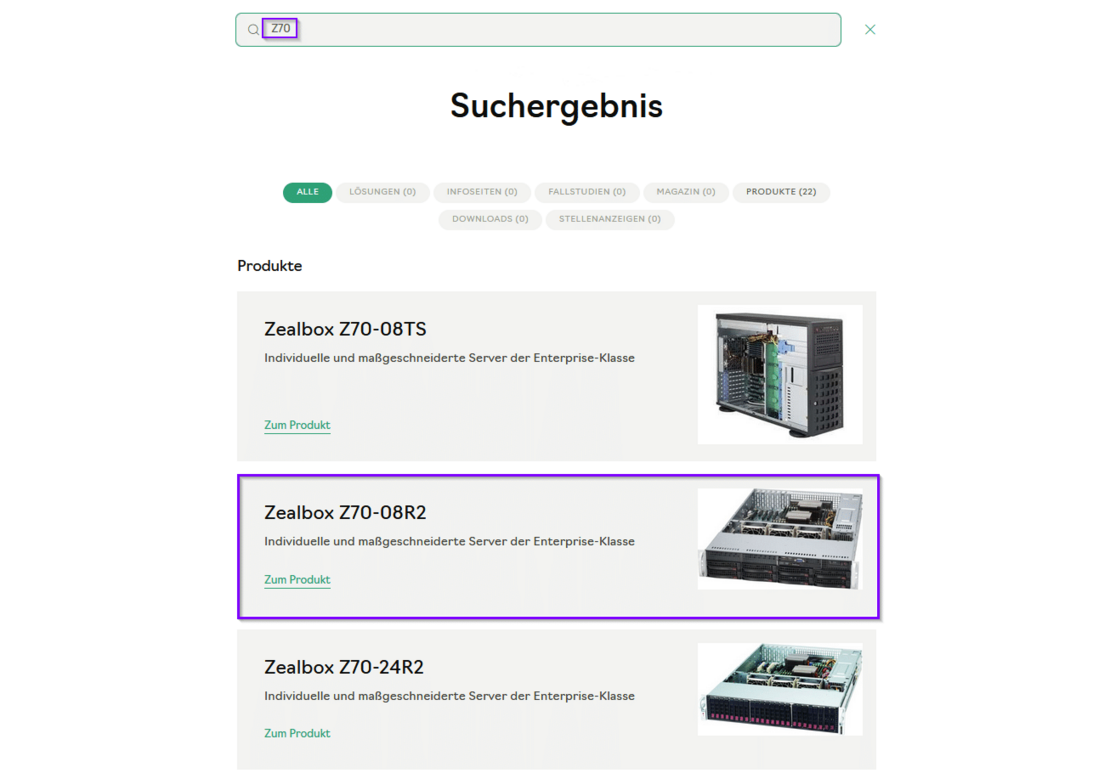
Server example: Click on the loupe at the top right and enter Z70. You will then see all models of this platform in a list. Select the model you require.
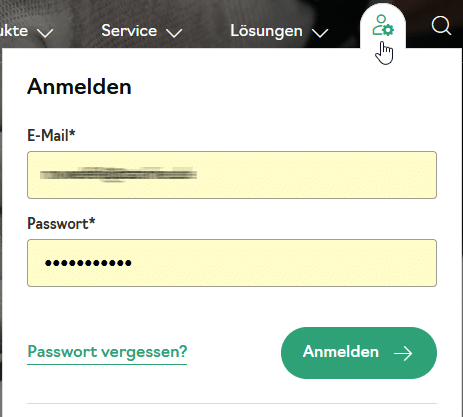
Note: You must be logged in to use the configurator. Click here to get a user account.
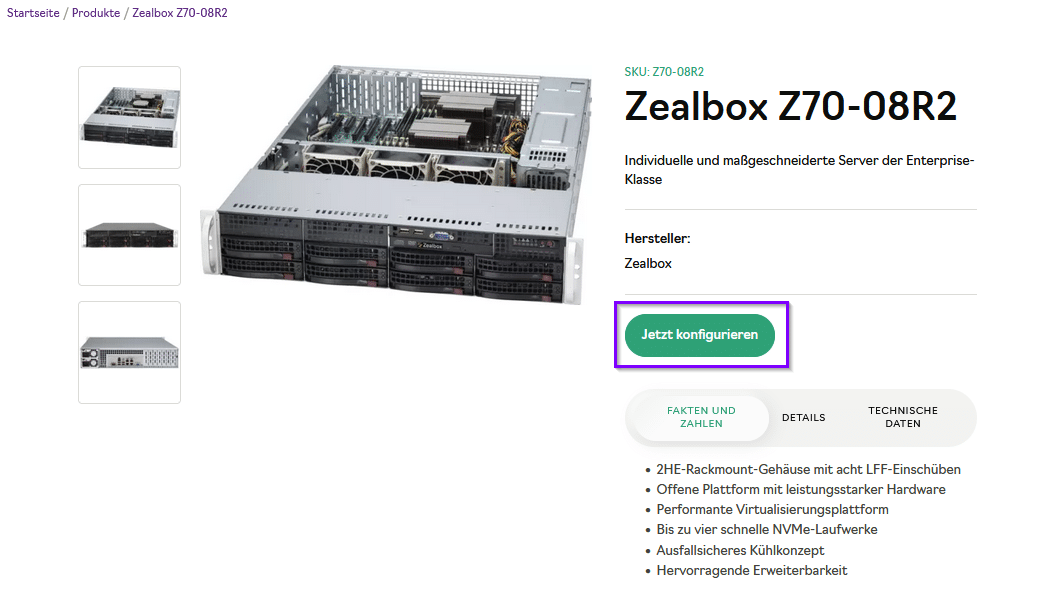
Configure now
If you can configure your desired product, you can start selecting the components by clicking on the green “Configure now” button.
Note: Some systems from the range cannot yet be loaded into the configurator, but can only be added to the shopping list as individual items. We will be happy to provide you with an individual quote for these on request.
Configurator interface
Four selectable tabs are now displayed in the configurator window: Hardware, Software, Service and Accessories.

Check components
Under Hardware, you should first configure the device according to your requirements. The line always starts with a dot for availability (green = available; yellow = on request). In the second column you will see a shield icon with a tick in green for a bookable service option. (A yellow symbol with an exclamation mark means “Service on request”).
In the next column, you can select components or adjust their quantity. The following applies: You can only add things if it is actually possible.

After clicking on “Next” or directly via the tab in the upper area, you can continue your selection in the other tabs.
Add accessories
In the last step, you select bookable accessories such as spare drives that are not to be installed directly in the system.
Show shopping list
During the entire session, the configurator displays your current shopping list - including prices - on the right-hand side. In addition to the performance features, this configuration overview also contains a parts list of your configuration.

Add to shopping list
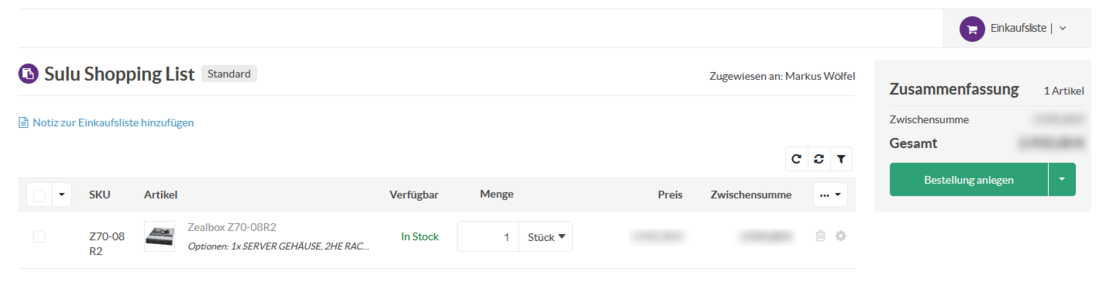
Click on the purple “Add to shopping list” button -> the button should be adjusted accordingly. It is currently called “Add to shopping list”. You will be taken to your shopping cart, which contains all the configurations you have made so far.
Here you can now place your order directly or first request a quote for your shopping cart from the sales department - for example, if no payment information has been entered yet.
In the next window, the system displays your saved contact details and allows you to leave information about your order.
By clicking on “Create order” or “Request quote”, our system will record your configuration. You will receive confirmation of the process by e-mail. If you have any queries, a member of staff will contact you.