With our configurator for tailor-made solutions
Configure your server or storage system individually, because we build tailor-made IT systems for your company.
How the Starline configurator works
- Select product base or platform
- Add additional components
- Select any accessories or spare parts
- Add service options to the shopping list
- Finally, you can request a quote directly

You will always receive the latest prices for all of the above items. As always, we are happy to answer any questions you may have during the ordering process and will take care of your order.
Please note: Some systems from the range cannot yet be loaded into the configurator, but can only be added as individual items to the shopping list. We will be happy to provide you with an individual quote for these on request.
How to access our configurator
If you are already a customer, simply click here: Sign in now
New customers can register here. Our sales department will review your details and contact you if necessary.
Please note that we only sell to resellers or system houses.
Your personal contact person

Yes, this is the only way we can save your configuration and make it available to you again at any time. If you register for the first time, the full range of functions will also be activated for you.
You can customize various - but not all - server and storage systems via the configurator. You can already configure our Thunderbolt NAS systems and the standard rackmount and desktop enterprise servers using our online tool.
Yes, this is actually highly recommended. This allows you to create, load and share different configurations.
Our team will be happy to help you during our opening hours - by phone or e-mail. This way we can answer your questions individually. You can reach us on weekdays from 8:30 - 17:00 (Fri. 16:30) at +49 7021 487-200 and info@starline.de
Of course. Simply select “Request quote” when completing the order. You will receive an official document with all components, quantities and prices, which you can forward internally.
To do this, click on the magnifying glass in the top right-hand corner and enter, for example, Z70. You will then see a list of all models on this platform. Select your desired model from this list.
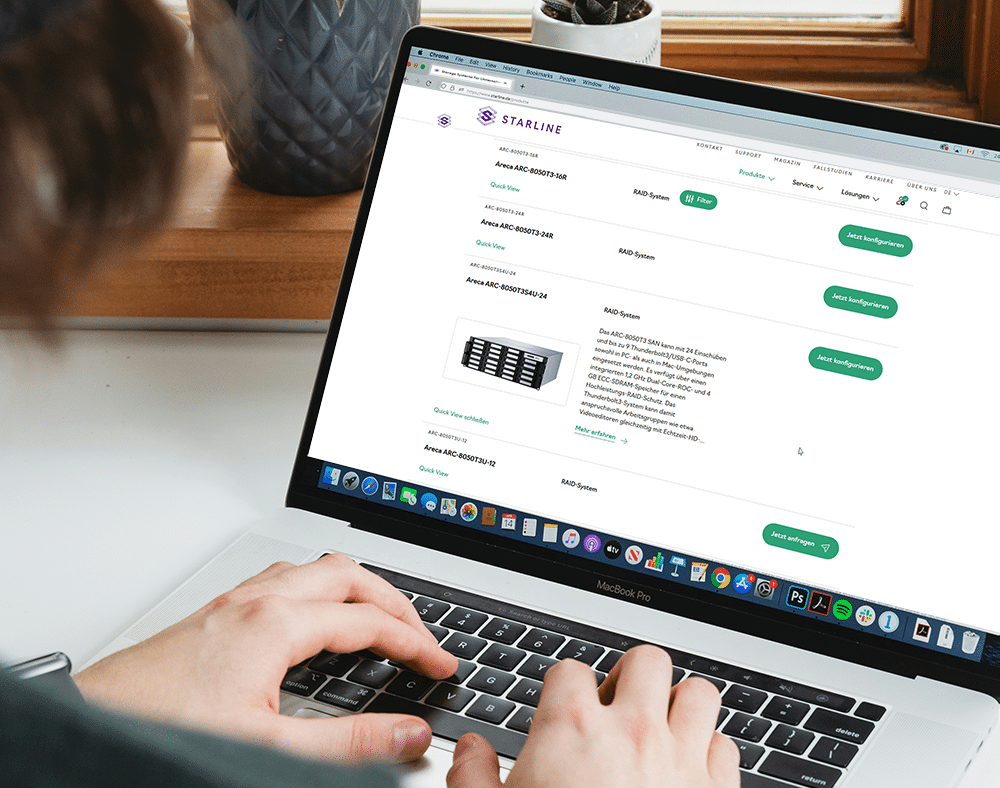
If your desired product is configurable, the green “Configure now” button will appear on the right-hand side. Click on it to start selecting components. Note: Some systems from the range cannot yet be loaded into the configurator, but can only be added as individual items to the shopping list. We will be happy to provide you with an individual quote for these on request.
Under Hardware, you should first assemble the device according to your requirements. The line always begins with a dot indicating availability (green = available; yellow = on request). In the second column, you will see a sign icon with a green check mark for a bookable service option. (A yellow symbol with an exclamation mark means “service on request”). In the following column, you can select components or adjust their quantity. Please note: Items can only be added if they are actually available.
In the last step, you can select optional accessories such as spare drives that are not to be installed directly in the system but simply added to your order.
Throughout the session, the configurator displays your current shopping list—including prices—on the right-hand side. In addition to the performance features, this configuration overview also contains a parts list for your configuration.
Clicking on the purple “Add to shopping list” button takes you to your shopping cart, which contains all your previous configurations. Here you can now place your order directly or first request a quote for your shopping cart from the sales department – for example, if you have not yet entered any payment information.
In the next window, the system shows your saved contact info and lets you add info about your order. Click “Create order” or “Request quote” and our system will save your configuration. You'll get an email confirming the process. If we have any questions, one of our team members will get in touch with you.